Time-window rules
Sync only what falls inside — or outside — a daily window. Copy evening commitments from 17:00–20:00, or push anything running beyond working hours to your private calendar.
 ReciproCal
iPhone · iPad · Mac
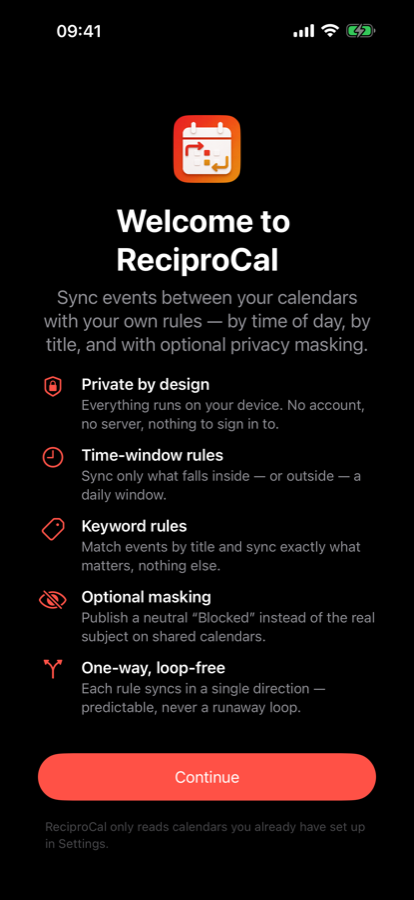
ReciproCal syncs events between your calendars using rules you define — by time of day, by title, with optional privacy masking. Everything runs on your device.
No account. No server. Nothing to sign in to.








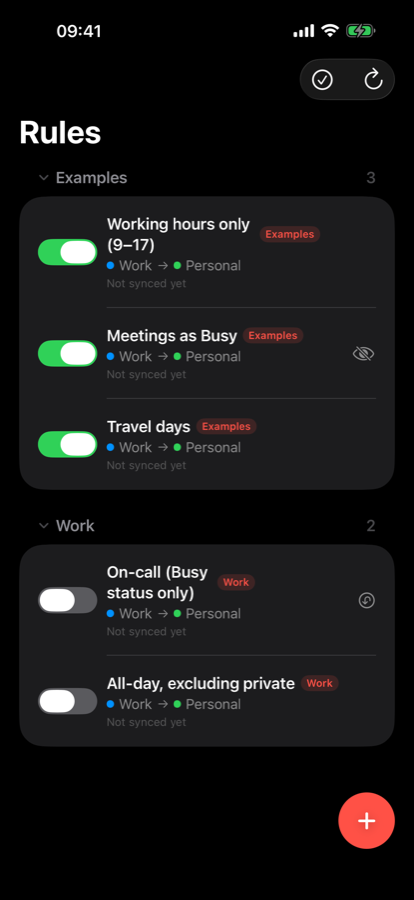
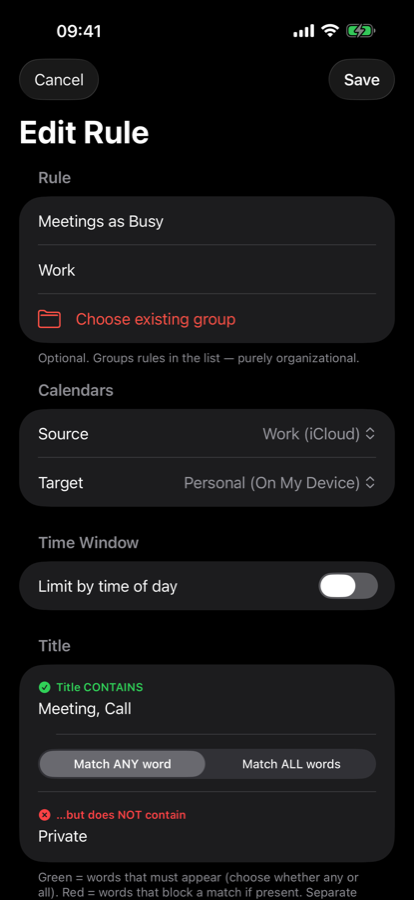
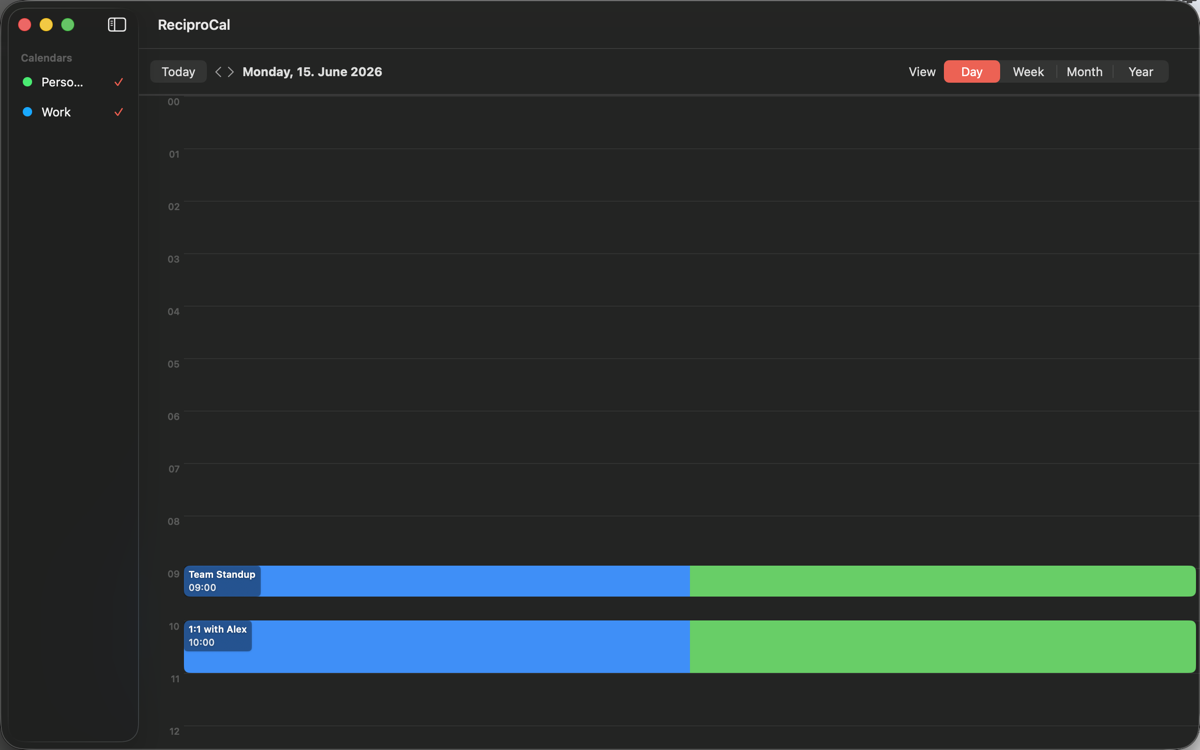
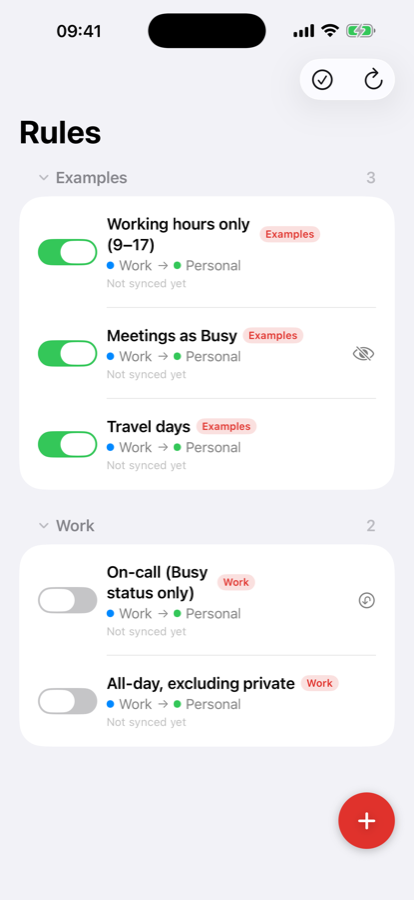
A clean, native interface on every device — from the rule editor to a live view of everything that's synced.
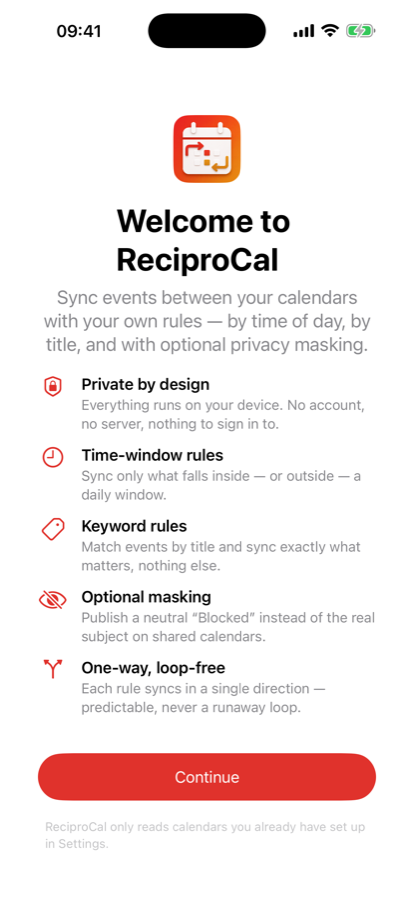
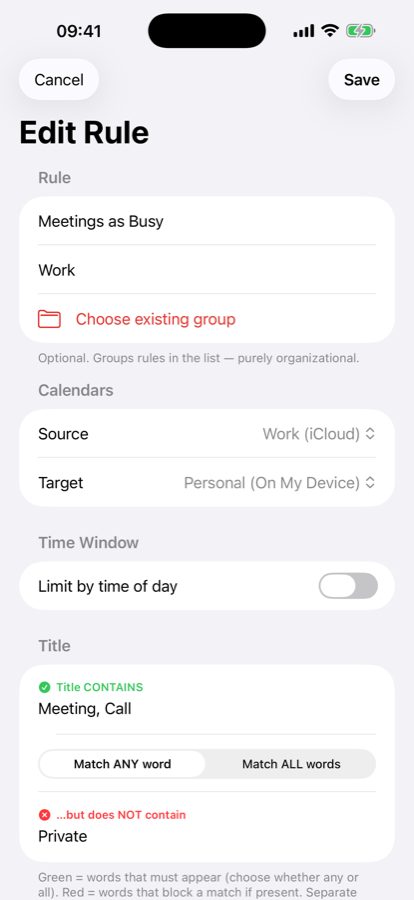
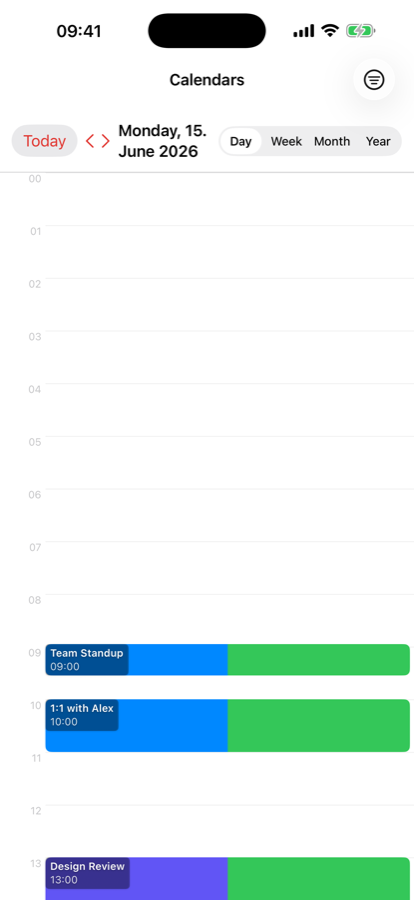
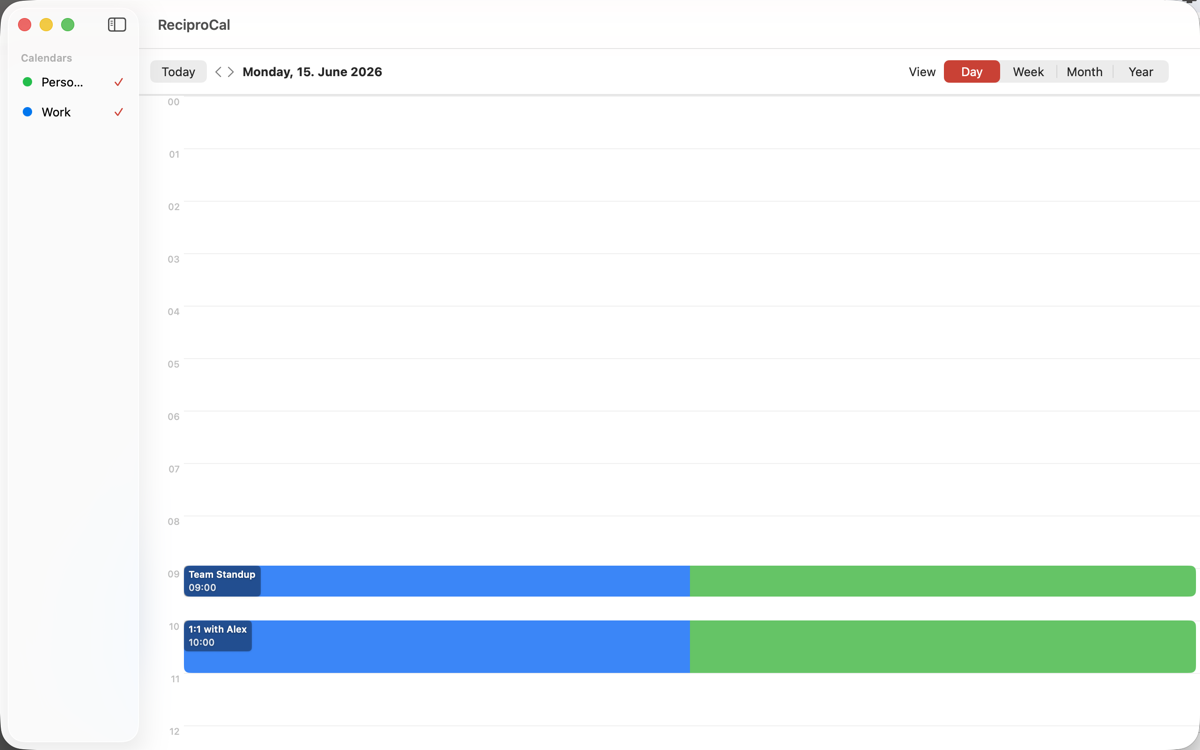
ReciproCal reads the calendars set up in your system settings — iCloud, Microsoft 365, Google, CalDAV — and never asks for a single password.
Sync only what falls inside — or outside — a daily window. Copy evening commitments from 17:00–20:00, or push anything running beyond working hours to your private calendar.
Match by title. When your work calendar says “WE Support” or “Homeoffice”, sync it automatically to iCloud — and nothing else.
Publish a neutral “Blocked” instead of the real subject, and strip notes, location and attendees so shared calendars only see that you’re busy.
Each rule syncs in a single direction. Combine two for a two-way flow — always predictable, never a runaway sync loop.
One purchase covers iPhone, iPad and Mac. A native menu-bar companion keeps your Mac in sync in the background.
No sign-in, no cloud, no analytics account. Your event data never leaves your device — because ReciproCal has nowhere to send it.
Group rules, duplicate a similar one in one tap, drag to reorder priority, and select several at once to enable, disable or delete them together. Export your whole rule set as a file to back up or share.
Turn on optional iCloud sync to keep your rules identical on iPhone, iPad and Mac — stored only in your own private iCloud account. Off by default, on your terms.
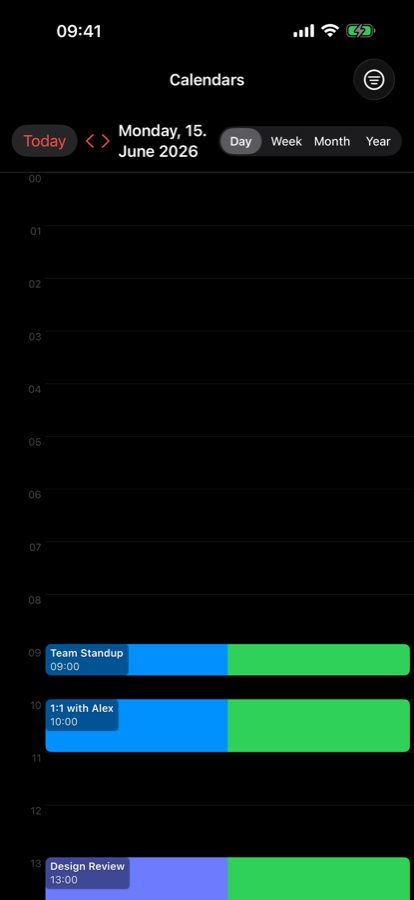
A real Day/Week/Month/Year calendar view shows only the events ReciproCal has synced — each one colored for both its source and target calendar, so a synced pair is obvious at a glance.
Choose which calendar feeds which. ReciproCal lists everything your device already syncs.
A time window, a set of keywords, or both — with AND/OR logic. Preview exactly what will be synced before anything is written.
Matching events appear in the destination calendar, masked if you like. Changes and deletions are kept in sync automatically.
Start free. Upgrade once you need automation and unlimited rules.
€0
Most popular
€19.99/year
or €2.99/month · €49.99 lifetime
Cloud calendar-sync services need your logins and route every event through their servers. ReciproCal does the opposite: it works entirely on your device through Apple’s EventKit, with no account of its own and no network calls carrying your data. On the App Store it reports “Data Not Collected.”
Read the privacy policy